FPT Database Engine introduces point-in-time recovery
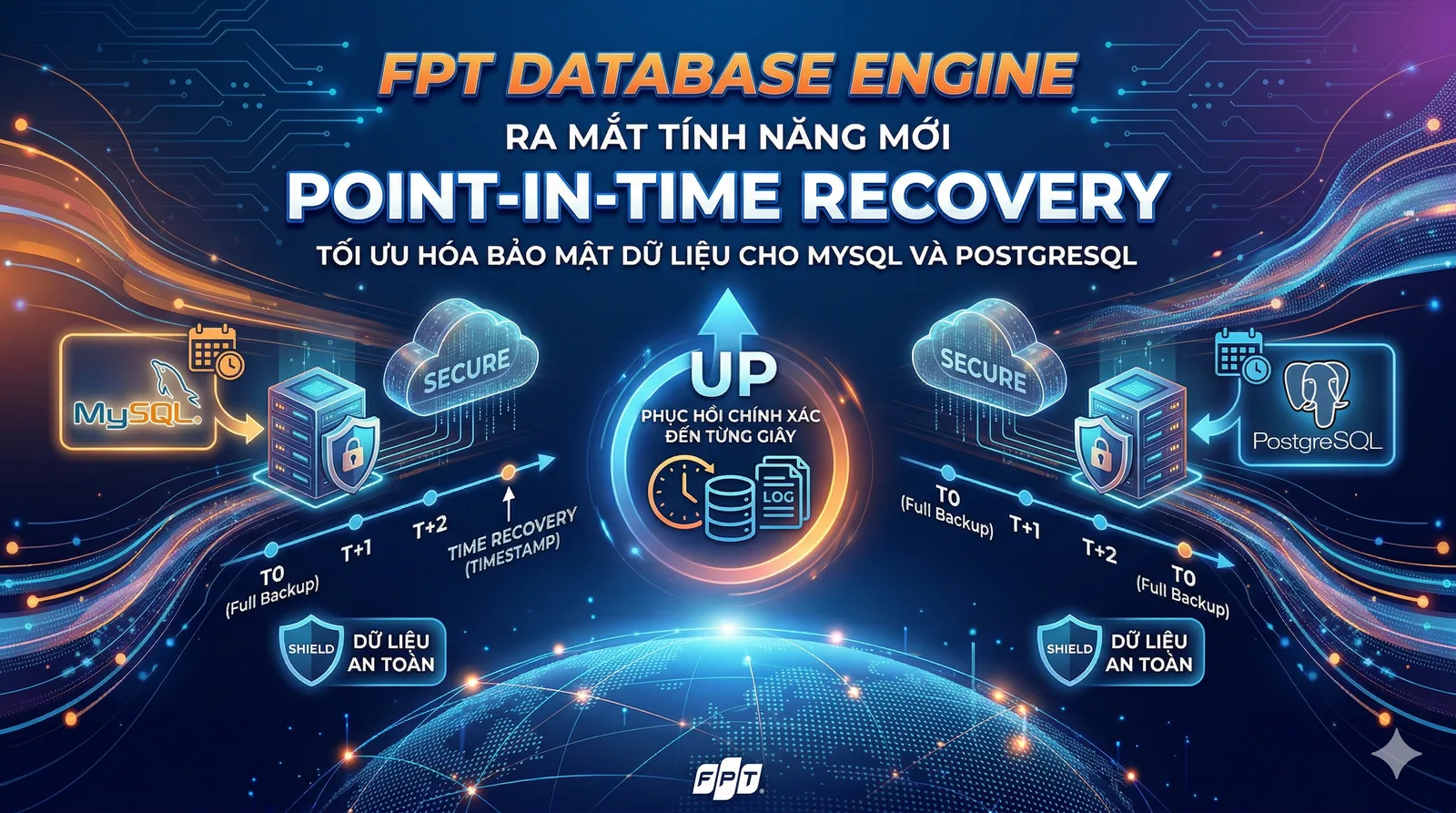
How point-in-time recovery improves data protection for MySQL and PostgreSQL workloads.
The source announcement introduces Point-In-Time Recovery (PITR) in FPT Database Engine for MySQL and PostgreSQL workloads on FPT Cloud, with the aim of improving data protection and recovery readiness.
What is Point-In-Time Recovery?
PITR restores a database to a specific timestamp in the past, with precision that can be measured in seconds. Rather than choosing only a daily backup, such as the midnight copy, it allows recovery to a point closer to an incident to reduce data loss.
Data protection benefits
- Recover from user errors such as dropping a database or important table, or issuing an UPDATE or DELETE without a WHERE condition.
- Recover from application logic errors that damage or overwrite data by returning to a point before an update.
- Support data-integrity and disaster-recovery requirements.
- Reduce downtime by helping the business return to operation sooner.
MySQL and PostgreSQL PITR
| Feature | MySQL | PostgreSQL |
|---|---|---|
| Mechanism | Binary logs (binlog), periodic full backups and continuously retained logs. Restore the nearest prior full backup and replay logs to the selected point. | Write-Ahead Logging (WAL), full backups and WAL files up to a timestamp or Log Sequence Number (LSN). |
| Scope described in the announcement | Cloud Database, including single-node and HA clusters | Cloud Database, including single-node and HA clusters |
| Retention described in the announcement | 7 days by default, customizable for business requirements | 7 days by default, customizable |
| Restore method | Create a new database instance with data from the chosen point; do not overwrite the running instance. | Create a new database instance; do not overwrite the current instance. |
How it works
PITR combines full backups with continuously retained transaction logs. The recovery process reconstructs the database using the backup and the relevant subsequent logs.
Quick usage guide
The article describes managing PITR through FPT Cloud Portal or an API.
- Enable PITR while creating an instance or in the backup settings of an existing instance.
- When recovery is needed, open Restore and choose Point-in-Time Recovery.
- Specify the desired date and time, including hours, minutes and seconds.
- Restore to a new instance.
The announcement presents PITR as a way to improve managed-database safety and allow businesses to focus on application development.
Published ; updated